Odoo Inventory and
Warehouse Control
Maintain total control over your stock levels across multiple locations with real-time tracking and automated replenishment. Accurate stock is the foundation every other module depends on.
- ✓Multi-warehouse and multi-location structures
- ✓Barcode-driven receipts, picking, and counts
- ✓Automated reordering rules
- ✓Batch, serial, and expiry traceability
Warehouse Capabilities in Detail
Designed so the number in the system matches the number on the shelf.
Multi-Warehouse Setup
Locations, zones, and bins modelled to match your physical layout.
Barcode Operations
Receipts, internal transfers, picking, and packing driven by scanning.
Replenishment Rules
Minimum and maximum rules, lead times, and automated purchase suggestions.
Cycle Counting
Scheduled counts by zone or ABC class instead of an annual shutdown.
Traceability
Lot, serial, and expiry tracking with full movement history.
Valuation & Reporting
FIFO, average, or standard costing with automated accounting entries.
Inventory Pain Points
Inaccurate stock quietly breaks sales, purchasing, and production at the same time.
Stock Mismatch
Physical count and system quantity never agree.
Emergency Purchases
Shortages discovered at picking, not at planning.
Dead Stock
Slow-moving items tie up working capital unnoticed.
No Movement History
Nobody can explain where a missing item went.
How We Implement It
Warehouse Mapping
Physical layout, storage rules, and material flow documented.
Configuration
Locations, operation types, routes, and costing methods configured.
Opening Stock Count
A full physical count loaded as the opening balance and reconciled to your books.
Team Training
Scanner-based procedures trained on the floor, not in a classroom.
The Inventory Screens Your Team Uses Every Day
Screens from a live Odoo deployment, configured the way we would set them up for your operation.
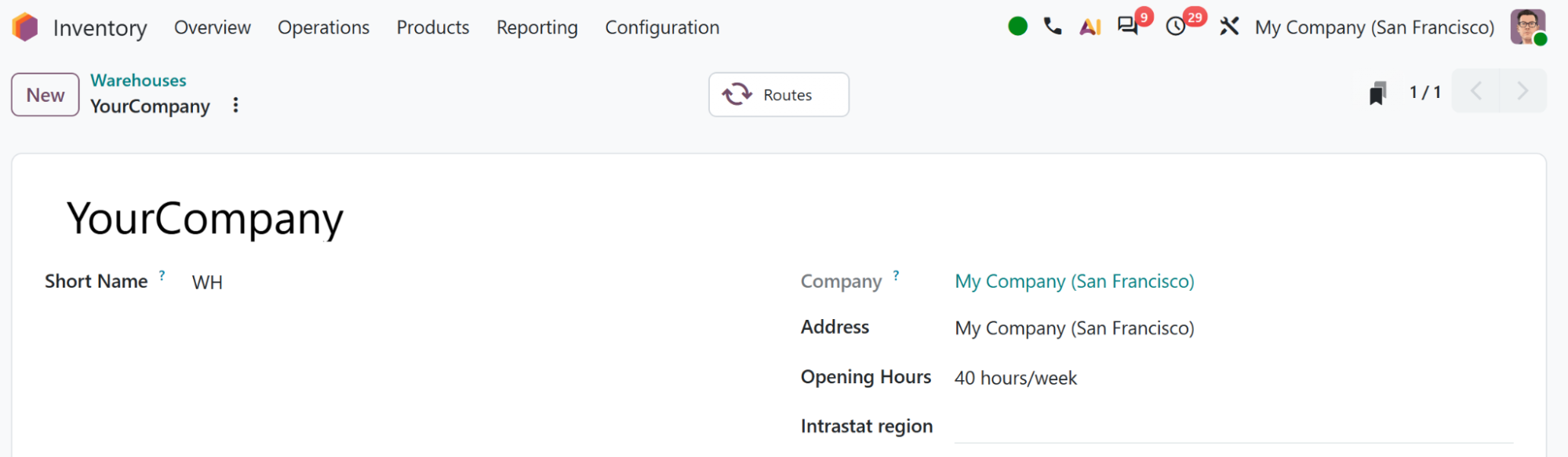
Warehouse Overview
Locations, zones, and bins modelled to match the physical layout.
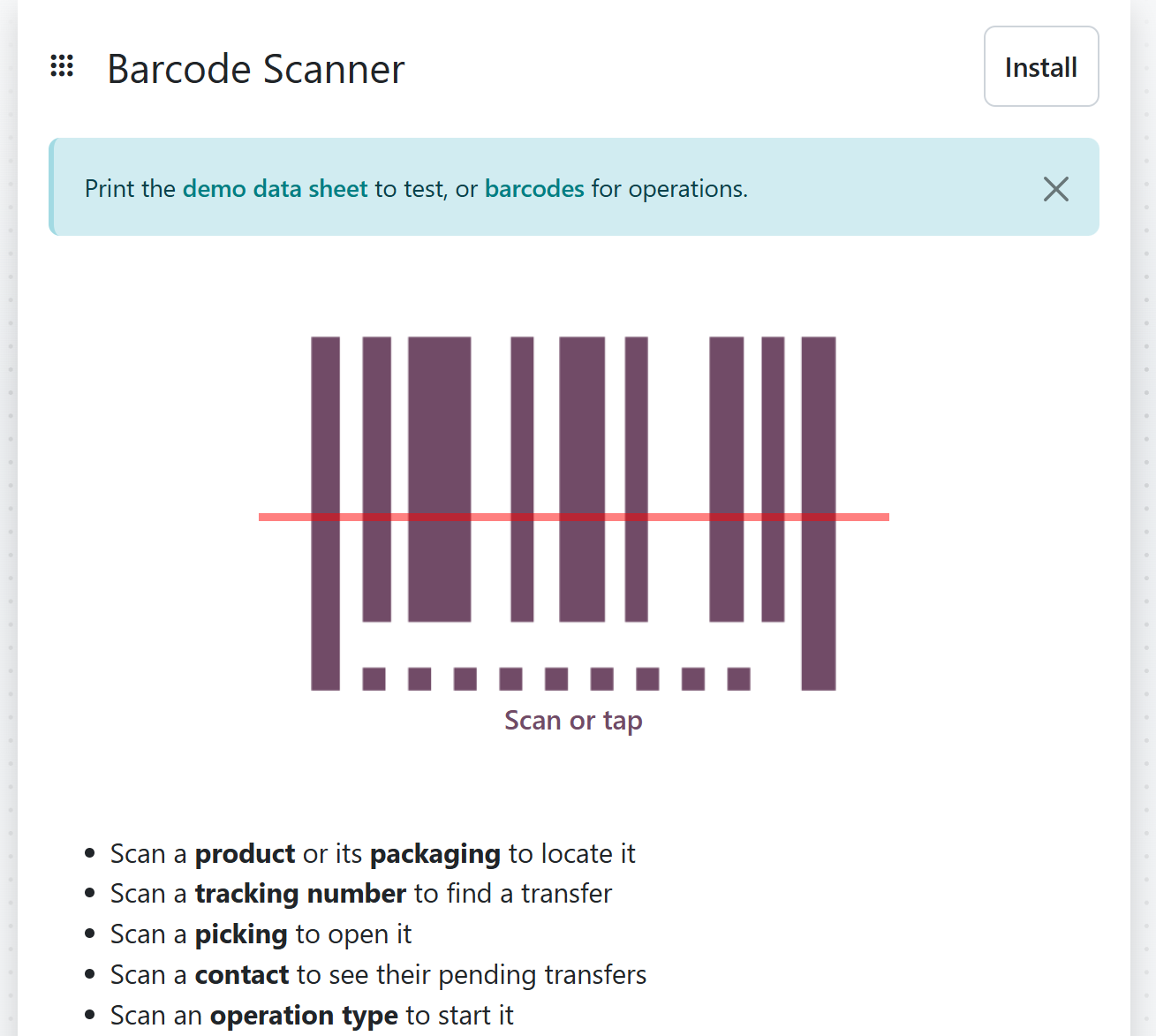
Barcode Operations
Receipts, transfers, picking, and counts driven from a scanner.
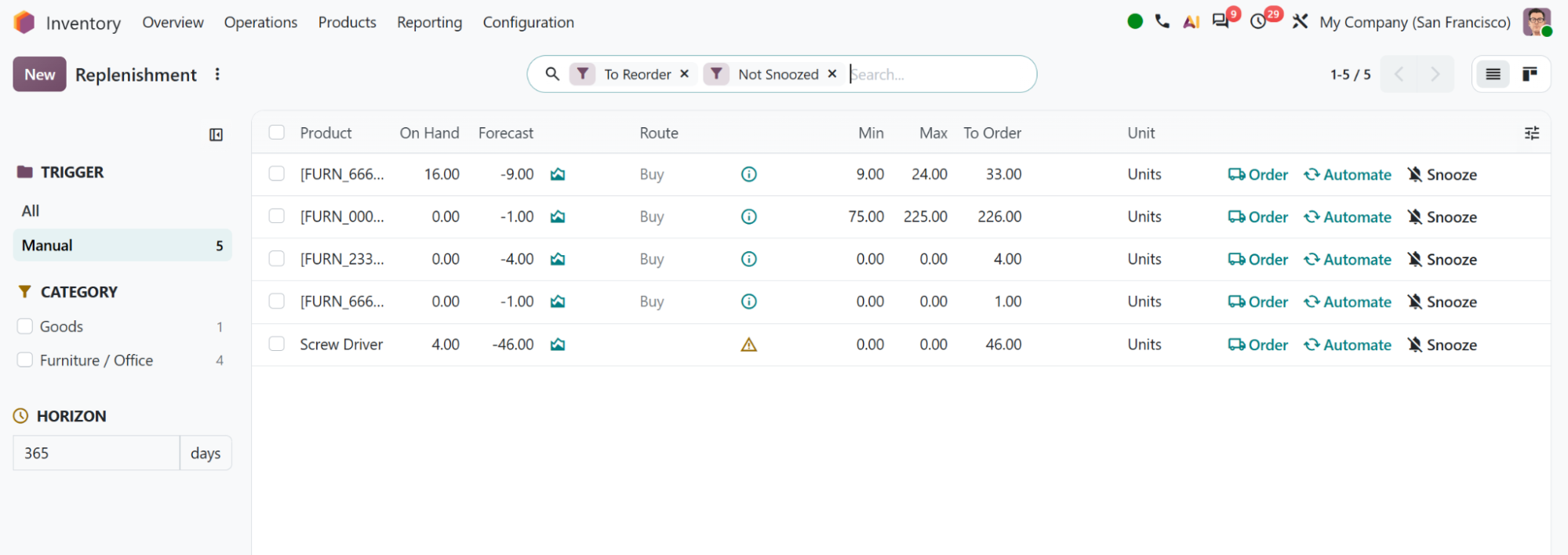
Replenishment Rules
Minimum and maximum levels with lead times and automatic purchase suggestions.
What Accurate Stock Unlocks
Cycle counts instead of shutdowns
Lot, serial, and expiry history
Reordering before shortage
FIFO or average, posted automatically
Frequently asked questions
Explore Related Solutions
Ready to build the right Odoo strategy?
Get expert guidance to simplify your processes and support your long-term business growth.